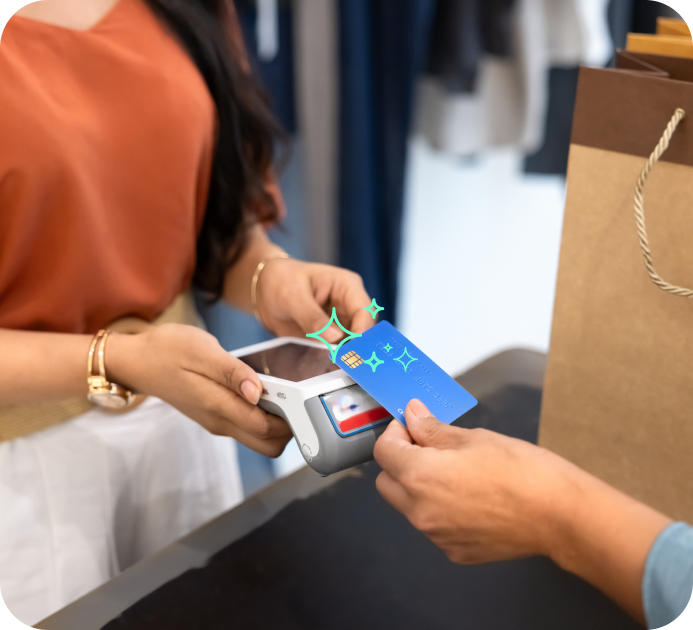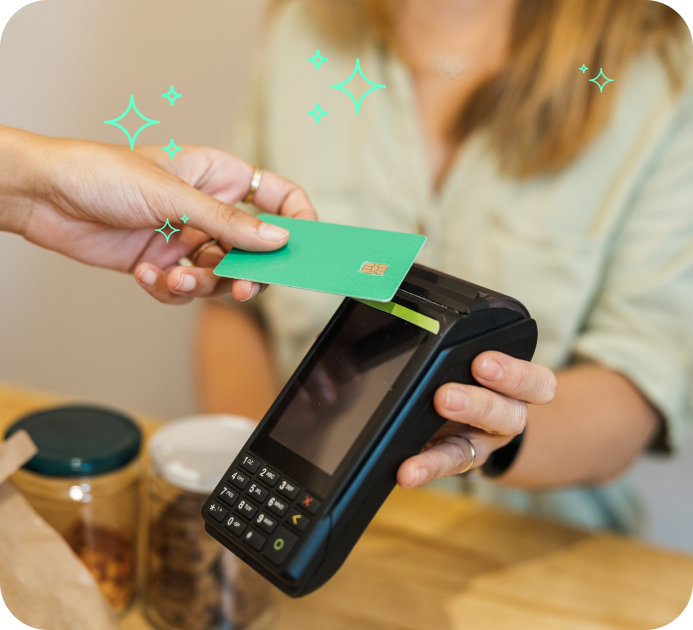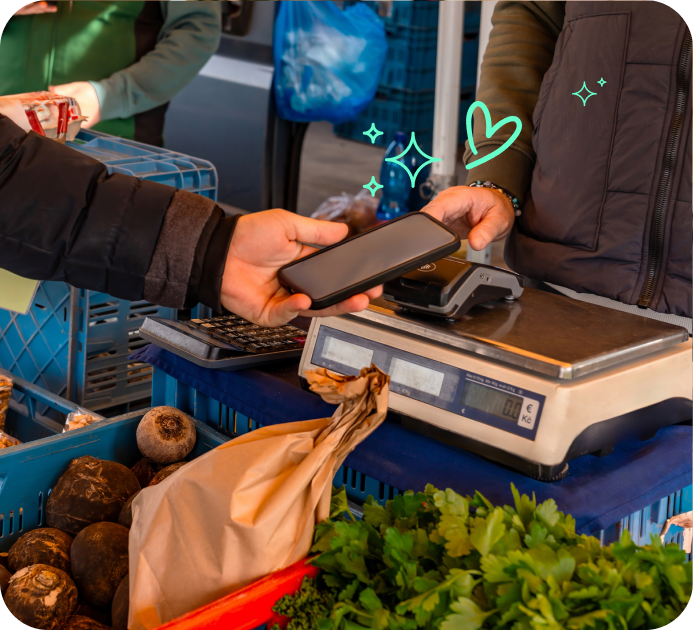


When a customer pays by card or mobile wallet, the card machine securely communicates with payment networks to authorise the transaction in seconds. Once approved, the funds are processed and transferred to the business's account through their payment provider.
With cash now accounting for just 14% of all UK transactions according to the latest Payment Markets Report, having a card machine is no longer a luxury; it’s a necessity for survival.
In simple terms, card machines make it easy for customers to pay quickly and securely, while ensuring businesses can take payments reliably in-store or on the move, depending on the device used.
In this guide, we'll explain what a card machine is, how they work, how to use it, the different types available, typical costs, and what to consider when choosing the right payment solution for your business.
How to Use a Card Machine
Using a card machine is straightforward, and most modern devices are designed to be intuitive.
A typical transaction looks like this:
1. Enter the total amount to be charged.
2. Ask the customer to tap, insert, or swipe their card.
3. Wait for the payment to be authorised.
4. Confirm when the transaction is successful.
5. Offer a printed or digital receipt if required.
The exact steps may vary slightly depending on your provider and the type of card machine you use, but the overall process remains very similar across most systems.
For first-time users, most providers offer setup guidance and support, meaning businesses can usually start taking payments quickly with minimal training.
Card Machine vs Card Reader: What's the Difference?
The terms “card machine” and “card reader” are often used interchangeably, but there are some differences depending on the device.
|
Typically countertop devices used in fixed locations |
Can be moved around a business premises |
Smaller devices often paired with smartphones or tablets |
|
Often connected via broadband or phone lines |
Connect via Wi-Fi or mobile networks |
Usually connect via Bluetooth or mobile apps |
|
Common in retail stores and hospitality settings |
Useful for restaurants, cafés, and service businesses |
Designed for mobile businesses or low-volume transactions |
Choosing between them depends on how your business operates, how many transactions you process, and whether you need mobility.
Over a third (34%) of UK adults are now registered for mobile payments like Apple Pay and Google Pay, and this rises to well over 50% for younger demographics.
Source: UK Finance.
 call our payment experts 01204 471180
How Much Does a Card Machine Cost?
The cost of a card machine varies depending on the provider, features, and how your business processes payments.
Common costs include:
- Upfront purchase or rental fees.
- Transaction fees per payment.
- Monthly service or software charges.
- Costs for additional features or accessories.
- Pricing can also vary based on:
- The type of card machine you choose.
- Your monthly transaction volume.
- Contract length and provider terms.
- Required features such as contactless or mobile payments.
Rather than focusing only on upfront cost, it's important to consider overall value, including transaction fees and long-term suitability for your business.
Here's a guide on how card machines work.
How to Reset a Card Machine?
Occasionally, a card machine may need to be reset due to technical issues or connectivity problems.
Common reasons include:
- Frozen or unresponsive screens.
- Wi-Fi or mobile signal issues.
- Software updates or system errors.
- Failed or incomplete transactions.
If your card machine needs resetting, you can usually:
- Restart the device.
- Check your internet or mobile connection.
- Ensure software is up to date.
- Contact your provider's support team if issues continue.
Most issues are minor and can be resolved quickly without disrupting business operations for long.
In most cases, resetting a card machine takes less than a minute and does not result in data loss or transaction issues.
How to Get a Card Machine for Your Business
Getting a card machine is a straightforward process, and most providers aim to get businesses set up quickly.
Typically, the process includes:
- Assessing your business needs and transaction volume.
- Comparing providers and available pricing options.
- Choosing the right type of card machine.
- Completing an application and merchant account setup.
- Receiving and activating your device.
It's important to compare options carefully, as features, fees, and contract terms can vary significantly between providers.
Compare Card Machines for Your Business
With so many options available, comparing card machines is the best way to ensure you choose the right solution for your business.
By reviewing different providers, you can assess:
- Transaction fees and pricing structures.
- Device types and functionality.
- Contract terms and flexibility.
- Support and setup assistance.
At Love Business, we help businesses compare card machines and payment solutions to find the most suitable option for their needs and budget.
Frequently Asked Questions
-
Can I use a card machine without Wi-Fi?
Yes, many card machines can operate without Wi-Fi by using mobile data (SIM-based connections) or Bluetooth pairing with a smartphone or tablet. Some devices also offer broadband connectivity depending on setup.
The best option depends on how mobile your business needs to be and the type of card machine you choose.
-
What is the best card machine for a small business?
There is no single best card machine for every small business. The right choice depends on:
- How many transactions you process.
- Your budget and fee structure.
- Whether you need portability.
- Your customers' preferred payment methods.
Comparing providers is the best way to find a solution that fits your business needs.
-
How long does it take to receive money from card payments?
Most businesses receive funds within 1–3 business days after a transaction is processed.
Some providers offer faster settlement options, including next-day payments, depending on your agreement.
Processing times vary based on the payment provider and the terms of your merchant account.
Our card payments partner, TakePayments, offers next-day payouts.
Here's our full guide on card payment payouts and settlements.